Create intelligent apps
for life and work.
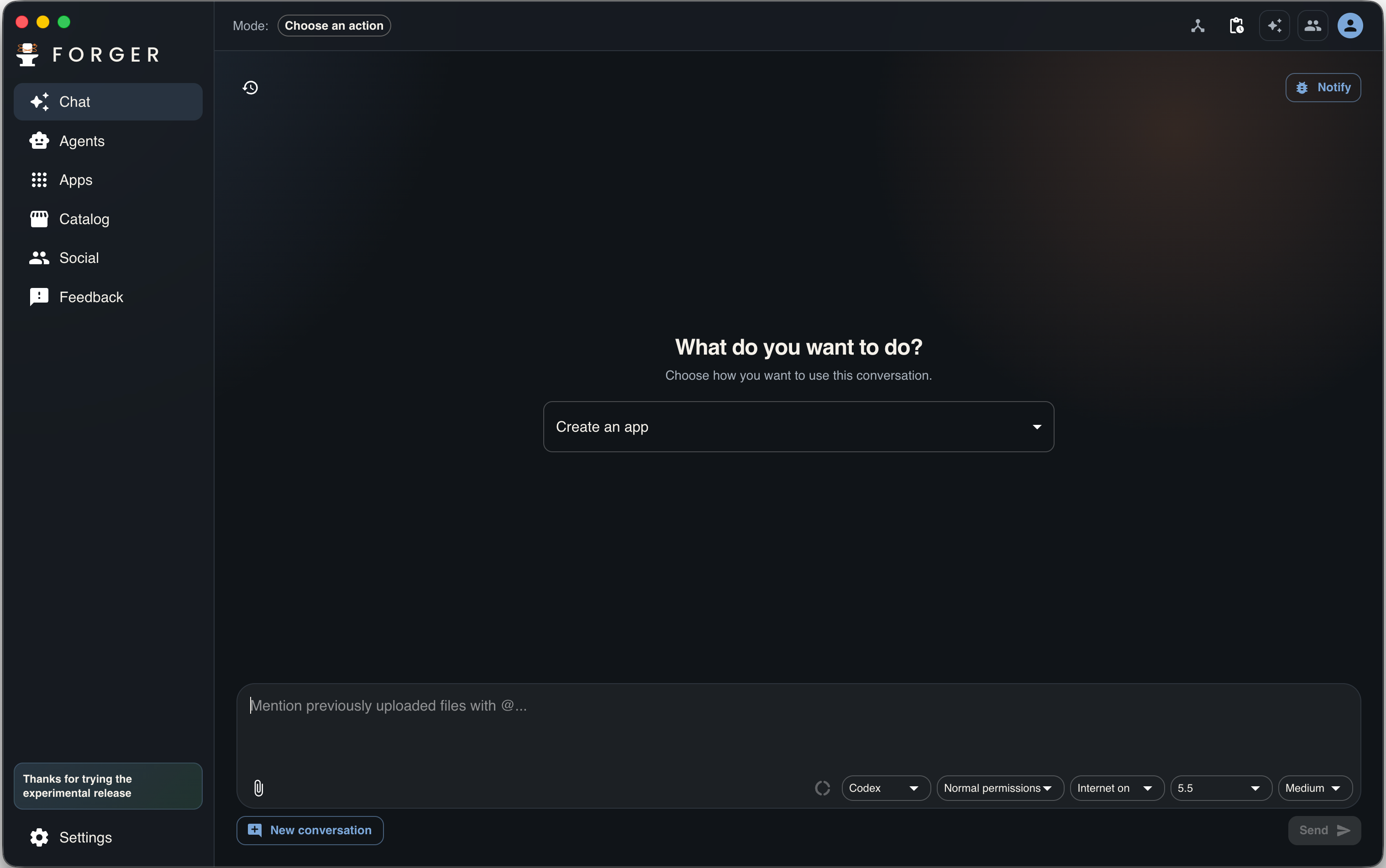
Forger installs AI tools like Codex, Claude Code, and Antigravity on your computer to turn everyday ideas into local, private apps that are ready to use.
macOS Intel, Windows, and Linux releases are experimental, untested on those devices, and tester feedback is appreciated.
How it works
From an idea to an app that works with you
Forger connects a real app on your computer with agents that can create it, change it, and run tasks inside its own workflows.
01
Connect your AI
Use Codex, Claude Code, or Antigravity with accounts you already have, and switch providers whenever you need to.
02
Describe the app
Ask for a tool for recipes, spending, routines, clients, or any process you want to organize.
03
Use agent flows
Your apps can have buttons that call an agent, like discovering new recipes and saving them to your library.
Your agents
Forger operates the tools developers already use
You do not need to learn commands or set up a project. Forger downloads, configures, and uses these tools for you inside an experience built for personal apps.
Codex
Works with your ChatGPT account. The free plan can be enough to try it, though limits run out faster.
Claude Code
Works with your Claude account and is best suited for people with an active paid subscription.
Antigravity
Works with your Google Gemini account and is usually the option with the most generous free layer.
Choose the provider you prefer, switch whenever you want, and Forger will keep adding options when they help create better apps.
Local first
Your apps live on your computer
Forger uses the cloud for accounts, storage, and sharing when you choose it. The center of the experience is still a local app that works with the data you decide to use.
Private space
Installed apps run in your local workspace and should not read external files unless you share them.
Agents inside the app
Smart buttons and tasks use each app context, not a generic chat disconnected from your workflow.
Provider control
When you connect an AI tool, you choose which account to use and can change it from Forger.
Forger Teams
Turn a real team process into software you own
Local apps for each teammate, connected to a shared backend, database, files, and permissions. Meet the Forger Teams private beta.
Meet Forger TeamsDownload Forger and create your first intelligent app
Start with a concrete need, turn it into a local app, and add agents where they actually save you work.
macOS Intel, Windows, and Linux releases are experimental, untested on those devices, and tester feedback is appreciated.
Forger Social
Share the apps that help you
Creating an account lets you upload your apps, store them in Forger Cloud, and share them with friends who use Forger while keeping the local computer experience at the center.
Apps for friends
Publish your own app or send it through Social so trusted people can install it.
3 GB free in Cloud
Using Forger on your computer is free, and an account includes starting space to store apps in the cloud.